
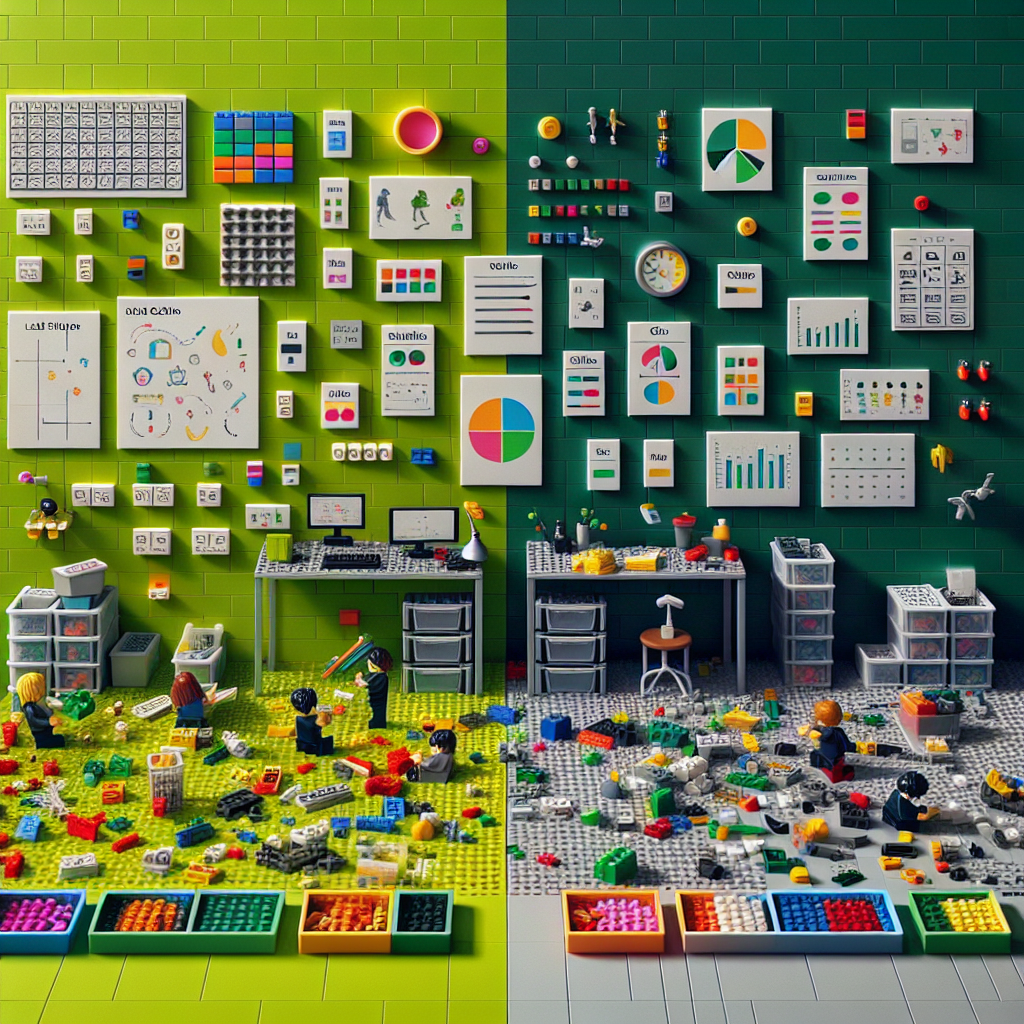
The LEGO Backlog: Rebuild Your Roadmap as Playable Bricks
Turn messy plans into clickable pieces you can actually ship.
Picture this: it’s Monday morning, your calendar is jammed, and your backlog looks like the floor after a kids’ party — everything everywhere, and stepping on any of it hurts. You open your planning tool, see 143 “priorities”, and feel that tiny freeze in your chest. Where do you even start?
Now picture this instead: you tip a box of LEGO onto the table. You’ve got a clear baseplate, a few small builds already started, and a neat handful of pieces ready for your next move. You click one brick on. Then another. Fifteen minutes later there’s visible progress. You’re in flow.
That’s the LEGO Backlog: treating your roadmap like playable bricks so the next move is always obvious — and oddly satisfying.
Why the LEGO Backlog works
- Clarity beats complexity: small, visible pieces make decisions quicker.
- Momentum compounds: finishing builds confidence and creates flow.
- Resilience by design: modular work lets you adapt without toppling the whole model.
Build your roadmap like bricks: a simple playbook
1) Pick your baseplate (your clear goal)
Choose one concrete, time-bound focus that everything clicks onto. For example: “Ship a usable beta to 20 customers by 30 June.” Write it where you’ll see it. If a task doesn’t connect to the baseplate, it stays in the box.
2) Tip out the box (inventory everything)
Dump all ideas, tasks, and “shoulds” onto a single list. Then slice them into bricks that take 15–90 minutes. If it’s bigger, it’s an assembly (a small cluster of 3–7 bricks). If it’s smaller than 15 minutes, bundle a few into one brick to avoid admin overhead.
3) Sort by colour (themes) and size (effort)
- Colour = theme (e.g. product, growth, ops, learning).
- Size = S, M, L (rough effort bands). No need for story points — keep it quick.
- Label “must-have” vs “nice-to-have” with a simple dot or star.
4) Build assemblies that deliver a slice
Group 3–7 bricks into a small outcome you can show. For a landing page, an assembly might be: headline copy, hero image, signup form, thank-you email, basic analytics. Ship an assembly before you expand it.
5) Limit studs: never more than 3 active builds
Work-in-progress limits create speed. Keep a maximum of three assemblies or bricks “in play”. If you want to start a fourth, finish or park one first.
6) Timebox your build sessions
- Morning: pick your top brick (the “obvious first click”).
- Run a 50-minute session, then a 10-minute reset.
- Name the session: “Fix broken signup metrics” beats “Work on analytics”.
7) Leave studs exposed (buffer on purpose)
Protect 20% of your week as slack. It absorbs surprises and gives space for quality. Overfilling a model makes it brittle.
8) Park the instructions (light documentation)
End each day with a snapshot: “Current build + the very next brick.” Future-you will thank you. No long specs, just the next obvious click.
9) Put finished builds on the shelf (visible wins)
Show your assemblies weekly — demos, screenshots, or a short note. Visible progress is rocket fuel for motivation and trust.
10) Shake-test on Fridays
Ask: “If something unexpected shakes this, what falls off?” Add anchors (a checklist, test, or doc link) where it wobbles. Continuous strengthening beats big clean-ups.
Brick cards you can copy
Create a simple template for every brick:
- Title: Clear and action-led (“Draft 5 onboarding tooltips”).
- Why now: One sentence that ties to the baseplate.
- Done when: Observable result (“Tooltips live on first-run with basic tracking”).
- Size: S / M / L.
- Dependency: What must be snapped on first?
- Next visible piece: What you’ll literally do to start.
Real-world examples
Solo founder shipping faster
Amelia was stuck polishing a pricing page. She rebuilt it as two assemblies: “Credibility” (logos, short case study, social proof) and “Conversion” (price table, FAQ, checkout link). With a 3-brick WIP limit, she shipped in two days and started getting trials instead of tinkering.
Freelance designer closing more proposals
Marcus turned proposals into a repeatable set: template refresh, 3 curated case studies, a 20-minute discovery recap, and a price table with two options. Average proposal time dropped from 4 hours to 90 minutes, and his win rate lifted because he finished while interest was still warm.
Uni student finishing early (without all-nighters)
Sofia broke her thesis into assemblies (Lit Review, Methods, Results) and bricks like “Collect 10 citations on X” and “Draft Methods outline”. She capped WIP at two bricks and did daily 50-minute builds. She submitted a week early — calm, not cooked.
Common pitfalls (and fixes)
- Micro-dust tasks: If a brick is under 15 minutes, bundle it so you’re not managing confetti.
- Hidden Bag #3: Surface dependencies early. If a brick waits on someone, mark it “Waiting” and pull a different brick.
- Shiny new set syndrome: Run a weekly tidy. Archive or park anything not connected to your baseplate.
- Endless instructions: Keep specs light. Prioritise “what’s the next visible piece?”
How to track it without overthinking
- Throughput: How many bricks finished per week. Aim for steady, not heroic spikes.
- Ageing WIP: Anything “in play” for more than 7 days gets attention.
- Lead time: When a brick is pulled to when it’s done. Shorter is better signal.
Paper cards and coloured stickers work brilliantly. If you prefer digital, a lightweight tool keeps it fun and focused, not fiddly.
Where Meloplan fits (if you want digital without the fuss)
If you like the simplicity of “Today / Next / Waiting” and clear weekly focus, Meloplan makes the LEGO Backlog dead easy. Set your baseplate (goal), break it into steps (bricks), drag them through your week, and run quick reviews so you keep momentum without micromanaging. It’s clean, fast, and doesn’t bury you in settings.
Your 20-minute starter kit for this arvo
- Write your baseplate: one outcome for the next 2–6 weeks.
- List 15–20 candidate bricks (15–90 minutes each).
- Group 3–7 bricks into your first assembly.
- Pick one brick and run a 50-minute build session now.
- End with a snapshot: what’s the very next brick tomorrow?
You’ll finish the day with a visible build and a clear next click. That’s the game.

Leave a Reply